Do you dread writing sub plans? I know Ido! Do you dread coming back from a day out of your classroom and reading the note from the sub about your students’ behavior? Yup, I did. I can’t help you with sub plans today but I can help you with ways to help your students behave better for a guest teacher in your classroom.
I have TWO easy tips for you!
Tip 1: Teach Expectations
At the start of a new school year, you take the time to explicitly teach students your expectations for their behavior in the classroom. I used to believe that teaching those expectations would be enough for no matter who was teaching in your classroom. However, after years of experience as a classroom teacher and some experience as a substitute teacher, I know this is rarely true. To resolve this issue, I began teaching specific expectations for behavior BEFORE a substitute would be in my classroom. When I know that I am going to be absent in the early part of the year, I incorporate “Substitute Expectations” in my lesson plans but you can start implementing this at any time of the school year.
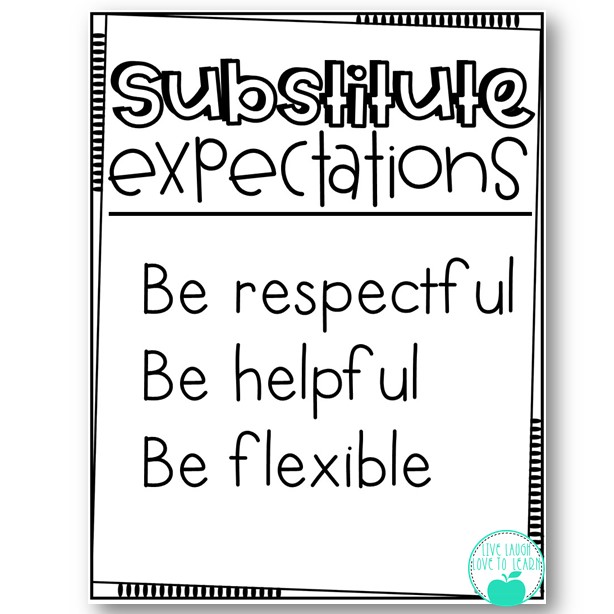
I came up with 3 simple expectations for behavior when a substitute is in our classroom: Be Respectful, Be Helpful, and, Be Flexible.
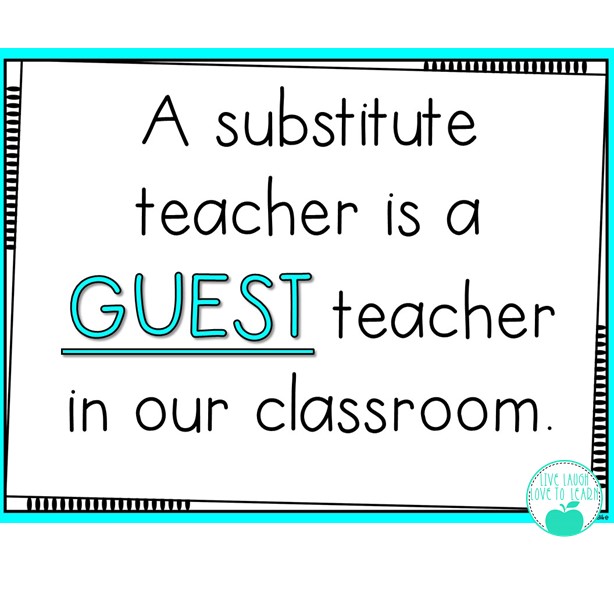
I asked my students a question, “what do you do at home to prepare for when guests come to visit?”. We discussed how we usually clean the house and prepare to make our guest feel welcome. Then I asked, “how do you behave at home when a guest is visiting?”. My students discussed how their family expects them to be on their best behavior when people are visiting their home. This discussion leads to the point that we should do similar things when we have a substitute teacher since they are an important guest in our classroom.
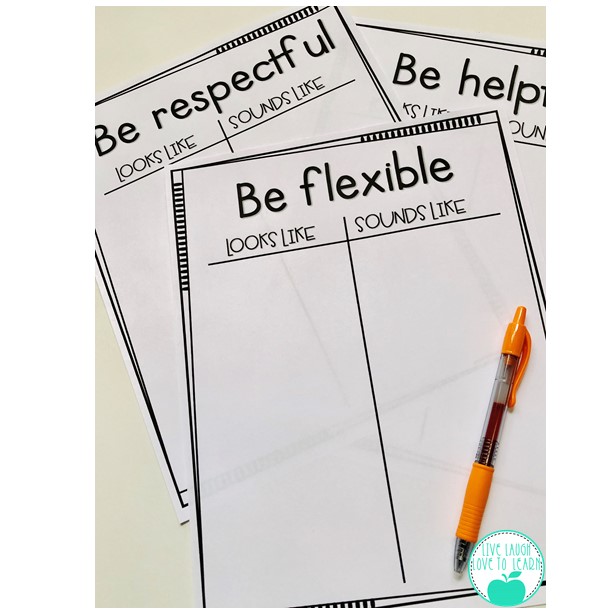
Next, I have students work in groups to write down what it looks like and sounds like to be respectful, be helpful and be flexible. Each group uses a T-chart to record all of their ideas for each expectation. I’ve included “Be flexible” as an expectation so that my students understand that a guest in our classroom might not do things the same way we usually do. Students need to know that although detailed instructions are provided to the substitute teacher, each teacher has their own style and things might be a little bit different than our normal way of doing things!
We decide as a class which behaviors are the most important and create a class anchor chart for our substitute expectations. Having students come up with the behaviors themselves is always a great way to get them to buy in the behaviors and hold them accountable to the expectations.
Tip 2: Incentive and Reward
My second tip for helping your students behave their best for a substitute is to offer an incentive and reward. I know that we love for our students to have intrinsic motivation to do the right thing, but sometimes, and especially when we can’t be in the classroom, a little extrinsic motivation may help. I want my students to have a successful and productive day when I can’t be in the classroom and offering up a reward is an easy way to motivate my students.
I’ve come up with two different types of incentive boards: Substitute Puzzle Prize and Substitute Bingo.
The Substitute Puzzle Prize is a 9 piece puzzle board that I hang on my board in the front of the classroom and next to the board, I hang a cup containing the 9 puzzle pieces. My sub is given instructions to pull a puzzle piece out of the cup and hang on the board whenever the class is on task and making good choices. My students know if they complete the puzzle in one day, I will reward them when I return. I usually give them lunch in the classroom, doughnuts for the class, extra recess, or free time.
Substitute Bingo is a board that I hang up front that has 25 bingo squares. I print and cut the squares and hang them in a cup on the board as well. When the class is on task and making good choices, the sub can pull a Bingo number and either tape it to the corresponding square on the board or cross out the number on the laminated board with a dry erase marker. I use the Substitute Bingo board when I know that I’m going to absent from the classroom for more than one day OR when it’s later in the year and my students need more of a challenge than the 9 piece puzzle board. The rewards are the same, lunch bunch, doughnuts, extra recess, or free time.
I post our Substitute Expectations anchor chart and the puzzle or bingo board the afternoon before a planned absence. I store these items in my “Emergency Sub Tub” for a sub to use if I’m out unexpectedly. We review these expectations every time I have a planned absence. It’s been such a relief knowing that my students KNOW what the expectations are and are motivated to meet or exceed them.
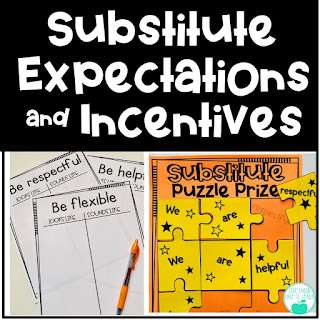
I hope these tips are helpful to you! You can use these tips as is but I’ve also put together a resource of the materials that I use with my students and it’s available in my Teachers Pay Teachers store. Just click on the image below!
What tips do you have to help your students manage their behavior with a substitute teacher? I’d love to hear what works for you!
Contains information related to marketing campaigns of the user. These are shared with Google AdWords / Google Ads when the Google Ads and Google Analytics accounts are linked together.
90 days
__utma
ID used to identify users and sessions
2 years after last activity
__utmt
Used to monitor number of Google Analytics server requests
10 minutes
__utmb
Used to distinguish new sessions and visits. This cookie is set when the GA.js javascript library is loaded and there is no existing __utmb cookie. The cookie is updated every time data is sent to the Google Analytics server.
30 minutes after last activity
__utmc
Used only with old Urchin versions of Google Analytics and not with GA.js. Was used to distinguish between new sessions and visits at the end of a session.
End of session (browser)
__utmz
Contains information about the traffic source or campaign that directed user to the website. The cookie is set when the GA.js javascript is loaded and updated when data is sent to the Google Anaytics server
6 months after last activity
__utmv
Contains custom information set by the web developer via the _setCustomVar method in Google Analytics. This cookie is updated every time new data is sent to the Google Analytics server.
2 years after last activity
__utmx
Used to determine whether a user is included in an A / B or Multivariate test.
18 months
_ga
ID used to identify users
2 years
_gali
Used by Google Analytics to determine which links on a page are being clicked
30 seconds
_ga_
ID used to identify users
2 years
_gid
ID used to identify users for 24 hours after last activity
24 hours
_gat
Used to monitor number of Google Analytics server requests when using Google Tag Manager